Great news for quality teams, Backbone is now deeply integrated with the tools you work with everyday: Copilot, Excel, Outlook, SharePoint, Teams, Business Central and more.
In this article
No tab switching, no repeated quality questions, no lost context. Backbone's Microsoft integration brings food safety and quality expertise right inside your favorite tools: Copilot, Excel, Outlook, Business Central and more . So you can work faster, stay consistent, get better insights and speed up market access.
When a client question comes in over email, the answer needs to come from the right place, fast. When an operator asks for something in Teams, the team needs to find it without leaving the conversation. When a client questionnaire lands in Excel, it shouldn't take two days to complete.
The data exists. The documents are there. The standards are known. But getting from a question to a defensible answer still takes too long because the information lives somewhere else, in a different system or behind a different login.
Every context switch costs time. Every tab adds overhead. And quality teams already carry enough of both.
That's the problem Backbone was built to solve. And today, we're taking another step.
Backbone is now live inside the full Microsoft Suite.
Not connected to it. Not alongside it. Inside it Excel, Outlook, Teams, and Microsoft Copilot The tools your quality team is in every day.

What’s available now
The integration has two layers. The first is your data the documents, systems, and records Backbone connects to and reads. The second is where you access it the tools your team works in every day.
On the data side, Backbone connects to Microsoft SharePoint, OneDrive, but also to your ERP, your QMS, and other systems where quality-relevant data lives. Everything becomes part of one connected picture.
In SharePoint and OneDrive: this is where your quality documentation already lives SOPs, procedures, specifications, audit reports, draft policies, supplier records. Backbone reads them where they are. When a document changes, your compliance picture updates automatically. Nothing needs to be uploaded, duplicated, or moved.
In Business Central: For many food manufacturers, Business Central is where operational quality data lives batch records, lot traceability, supplier performance, production runs. Backbone reads it where it sits and connects it to everything else, so the right data surfaces when you actually need it.
In the tools
Backbone in Microsoft Copilot Ask a quality question in Copilot. Get an answer sourced from your documents, your audit history, your standards. Not a guess. A traceable response sourced from your quality data.
Example: "Does our current allergen matrix cover the new oat flour supplier?" Copilot, powered by Backbone, surfaces the relevant document, the applicable clause, and a recommended action.
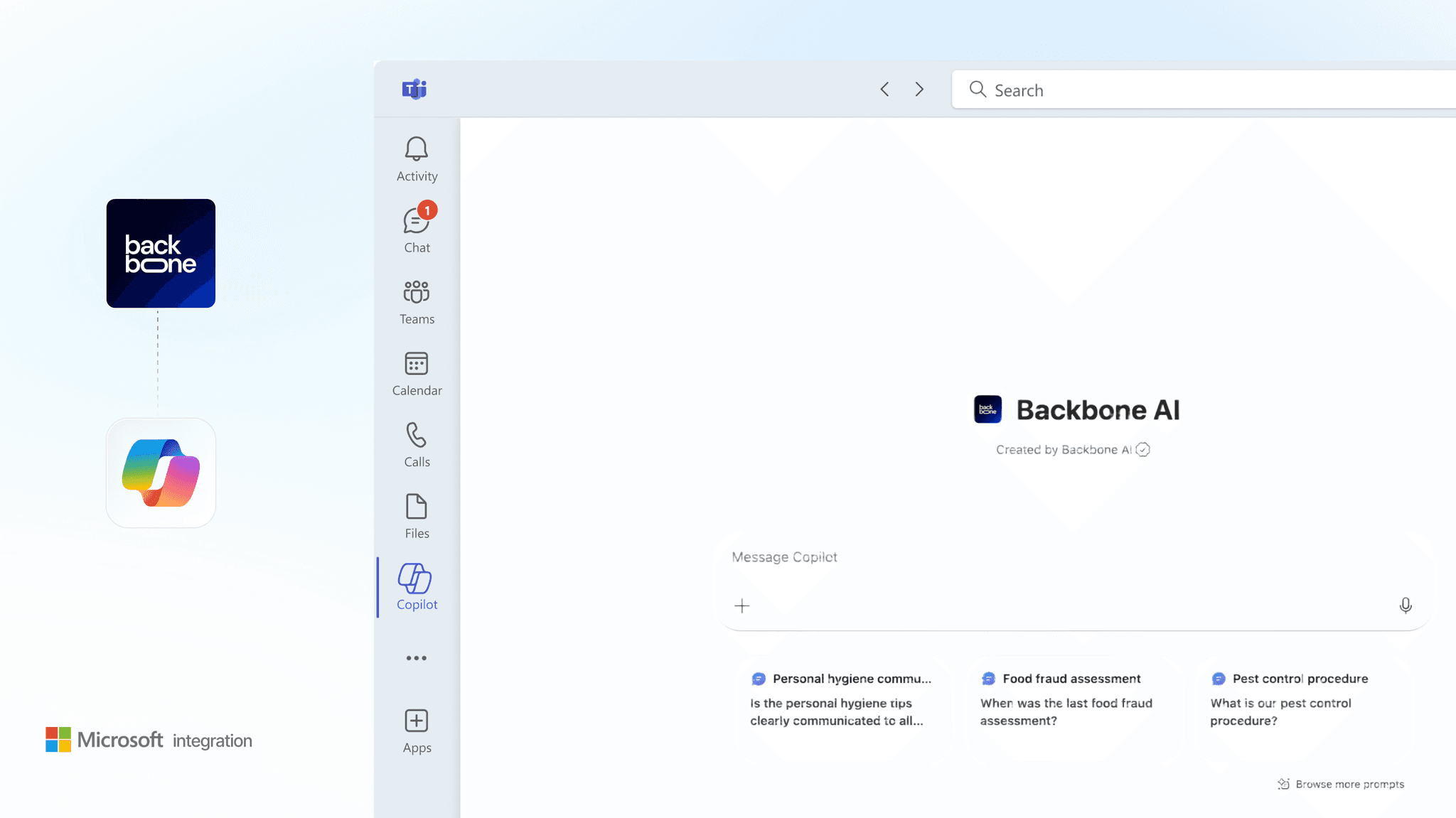
Backbone in Microsoft Teams Backbone is available as an agent in the Teams sidebar. Quality questions come from everywhere sales, procurement, marketing, R&D or operations. With Backbone in the Teams sidebar you get those questions answered fast.
Backbone in Outlook A lab result comes in or a supplier query arrives. Backbone surfaces the relevant spec, the last finding and a suggested response directly in the Outlook sidebar. Act on it without leaving your inbox.
Backbone in Excel Client questionnaires, supplier audits, compliance trackers Backbone reads the questions, finds the source documents, and populates the answers. What used to take two days is now done before lunch. One item flagged for human review. Everything else handled.
Backbone in Word Quality procedures, work instructions, supplier briefings, audit reports the documents your team writes and rewrites every time something changes. Backbone reads your Word files and keeps them part of your live quality picture, so a procedure update is immediately reflected across everything connected to it.
Backbone in PowerPoint Audit prep decks, management review presentations, supplier briefings quality teams make important decisions in PowerPoint and store key summaries there. Backbone reads those files too, so the insight captured in a slide doesn't sit outside your quality knowledge base.

No migration, no implementation project.
Nothing moves. Nothing migrates. The documents stay exactly where they are. To use the Microsoft integration, you need an active Backbone account linked to your Microsoft tenant. Find Backbone on the Microsoft AppSource marketplace, connect your environment, and choose which tools you activate it in. That's it. You're live.
Your documents stay where they are. Your SharePoint, your OneDrive, your Outlook Backbone reads them where they already live. The only thing that changes is that your quality knowledge is now accessible inside the tools your team already uses.
One less thing standing between your team and their full potential
Backbone has always been about removing the overhead that stops quality teams from doing quality work. Every hour spent chasing a document, re-answering a question, or switching between systems is an hour not spent on the judgment calls that actually require expertise.
This integration is another step in the same direction. Your team stays in the tools they know. Backbone handles the rest.
Available now
Backbone for Microsoft is available now for all Backbone customers through the Microsoft Marketplace.
If you want to see how it works in your environment: with your documents, your standards, your team, your tool stack that's exactly what the demo is for.